Android boxes, Firesticks, Fire TV & Google TV televisions
The only media player you'll ever need.
Those outdated IPTV players you've been using are no more. Brownout is feature rich, easy to use and stunningly beautiful. Built for your worldwide content, a remote, a sofa and a television.
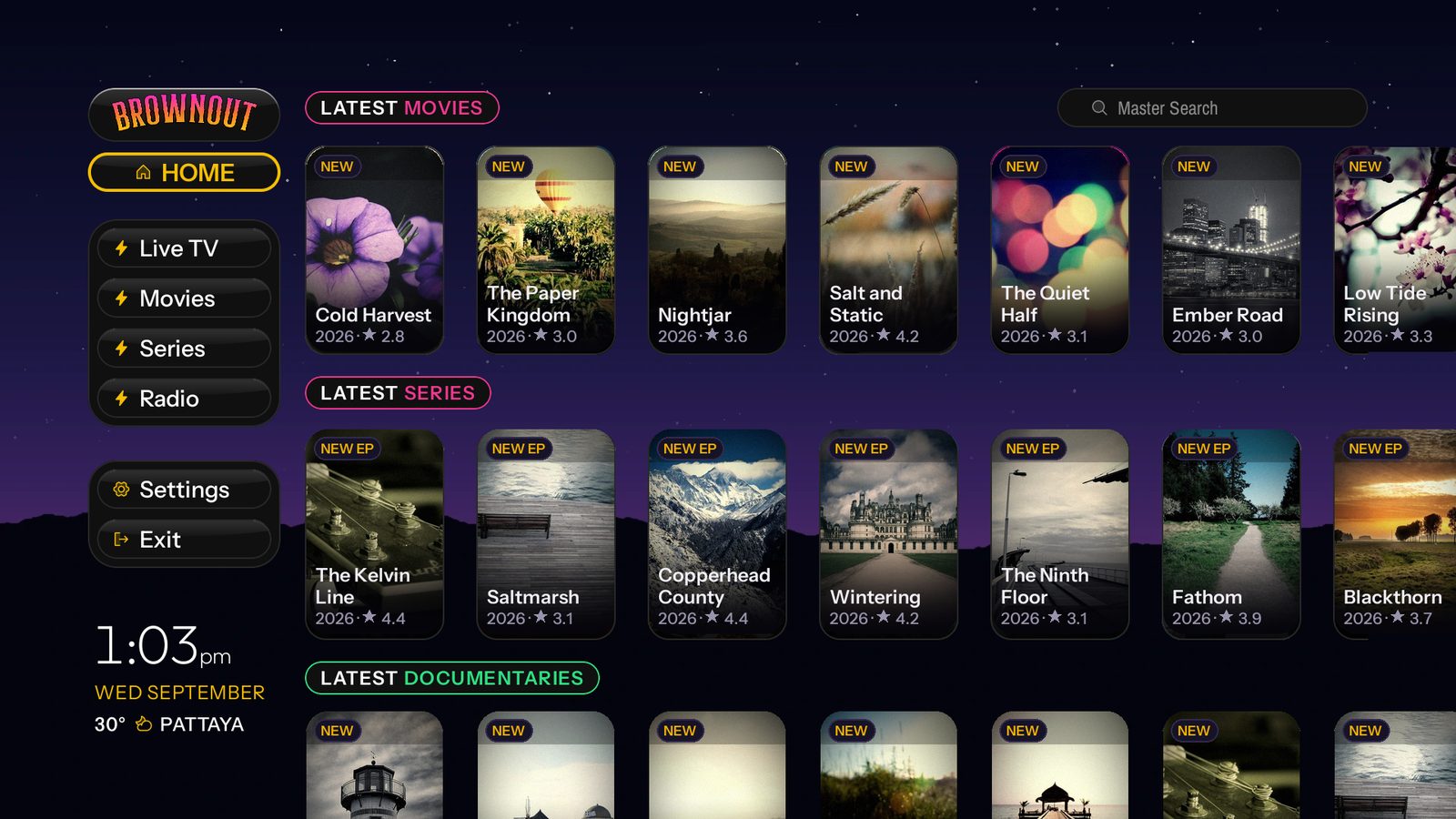
Every screen, straight off a television.
No mockups, no renders. Every one is the app itself, running on a television.
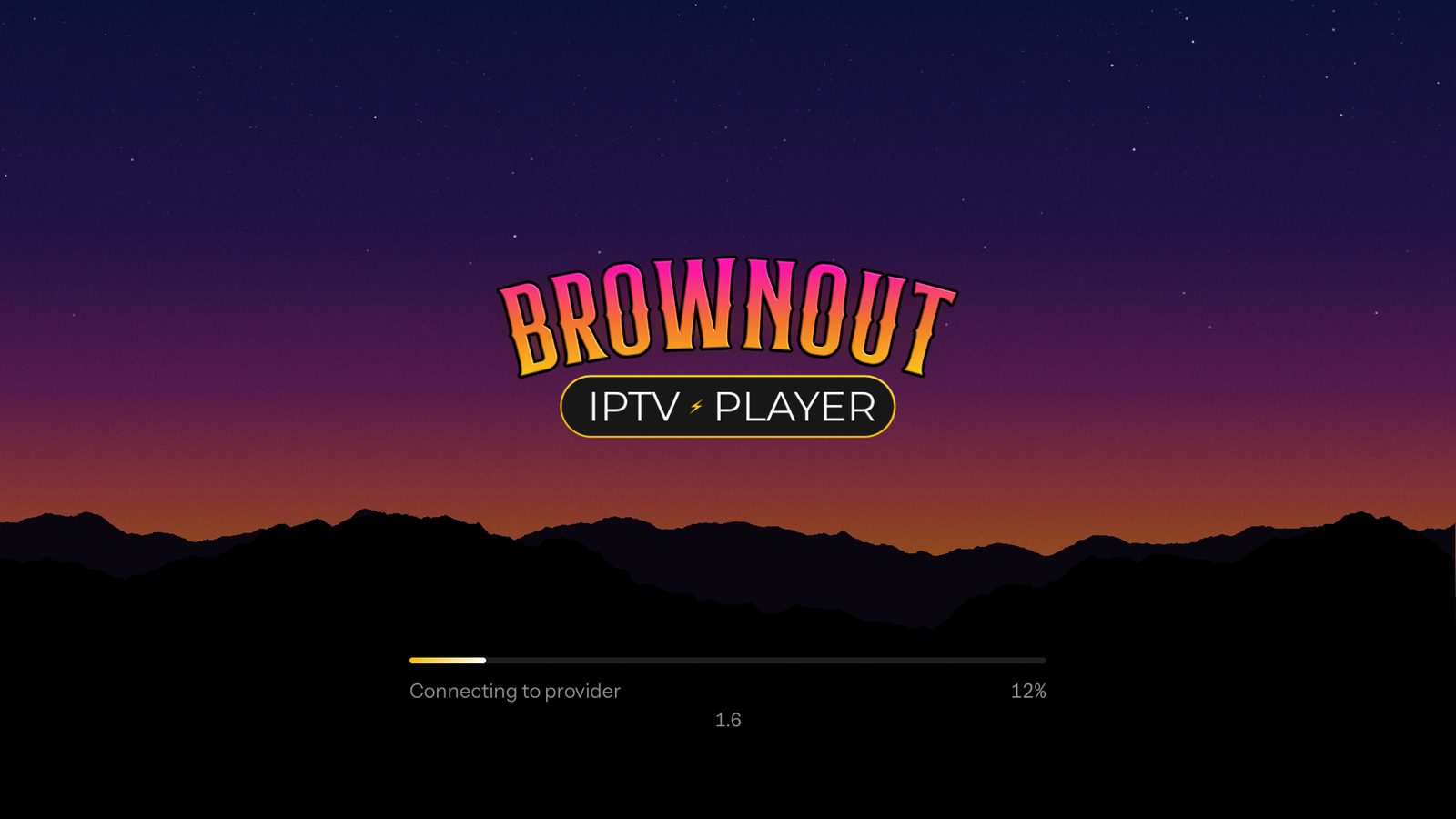
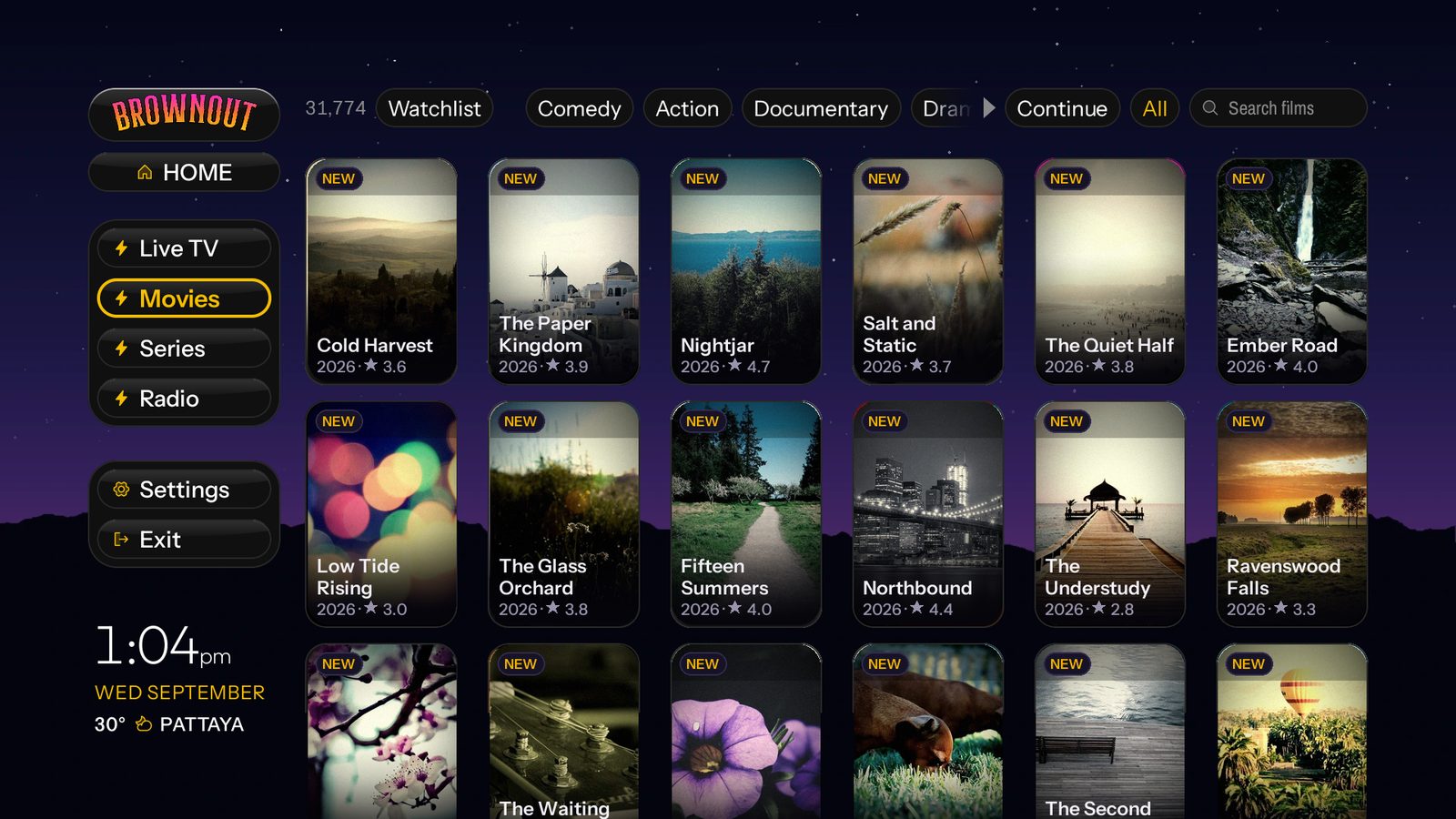
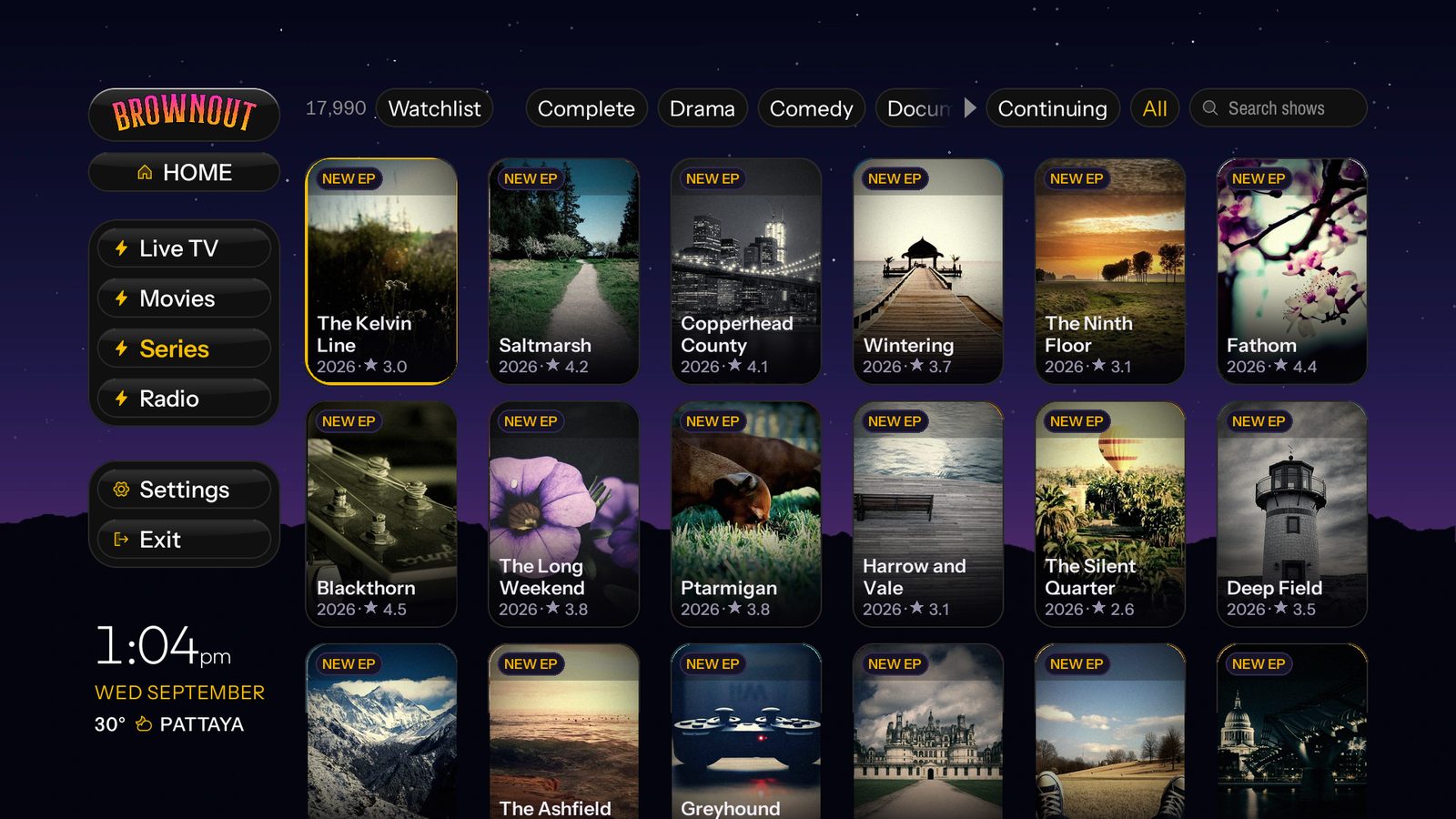
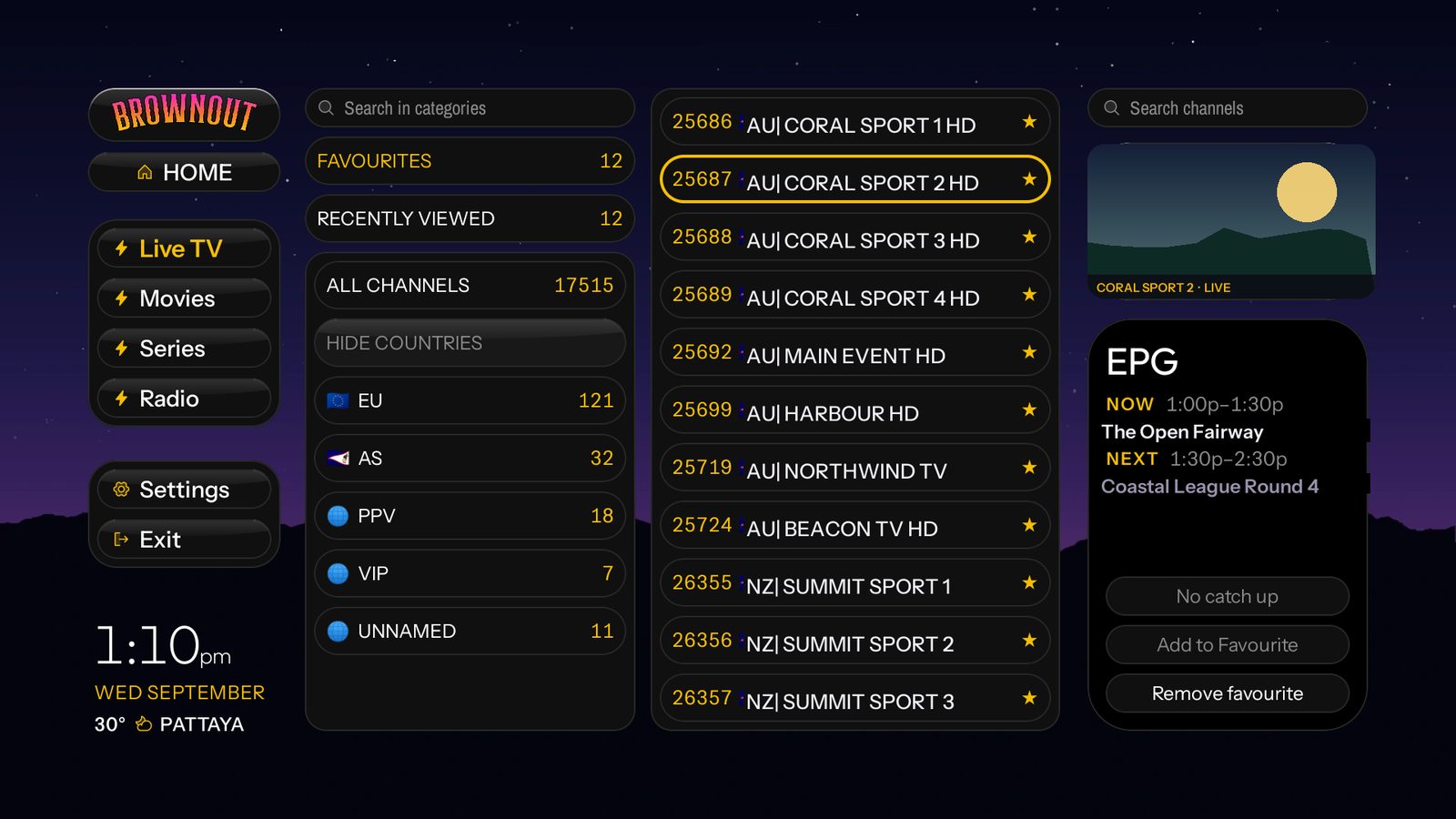
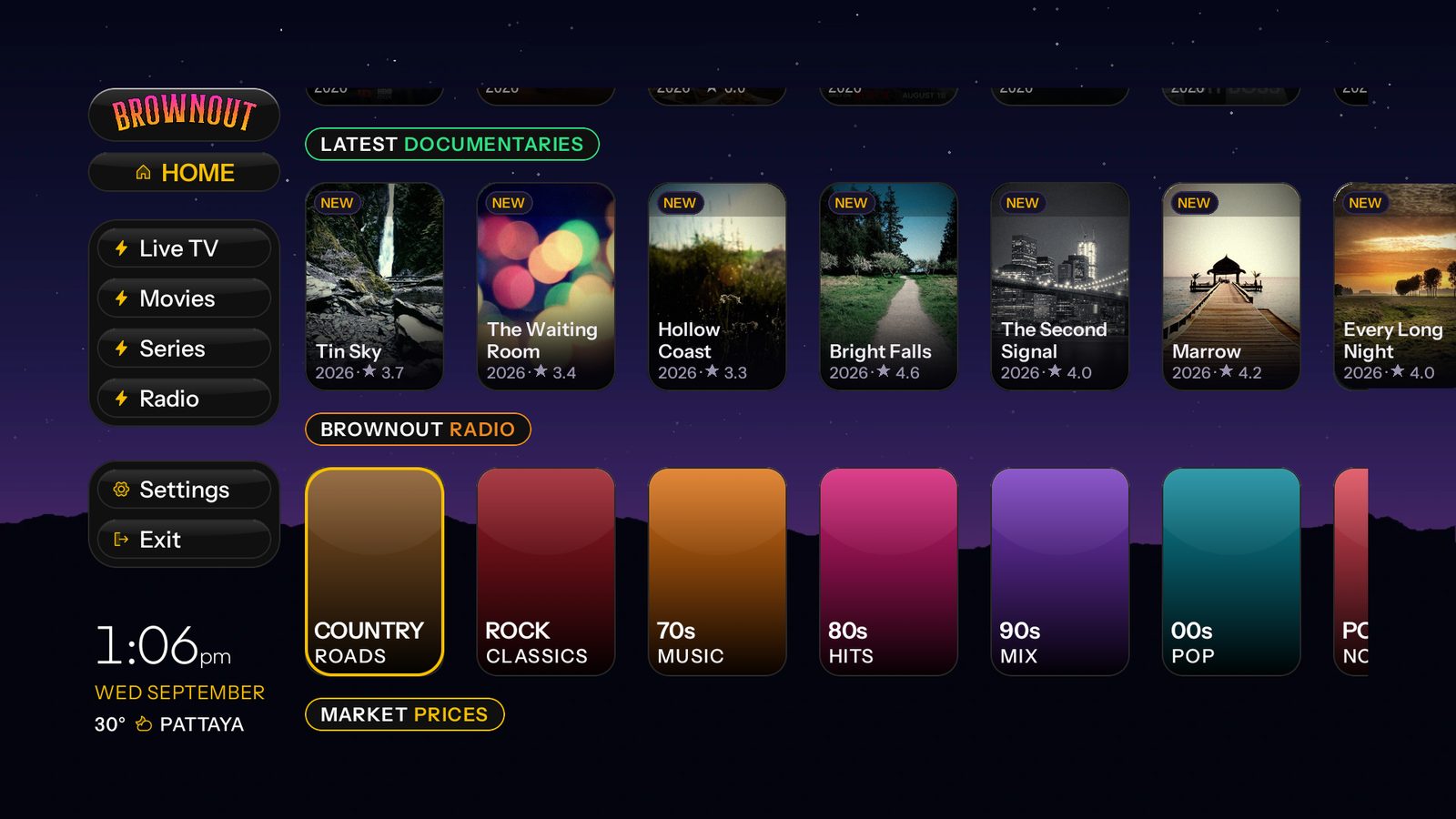
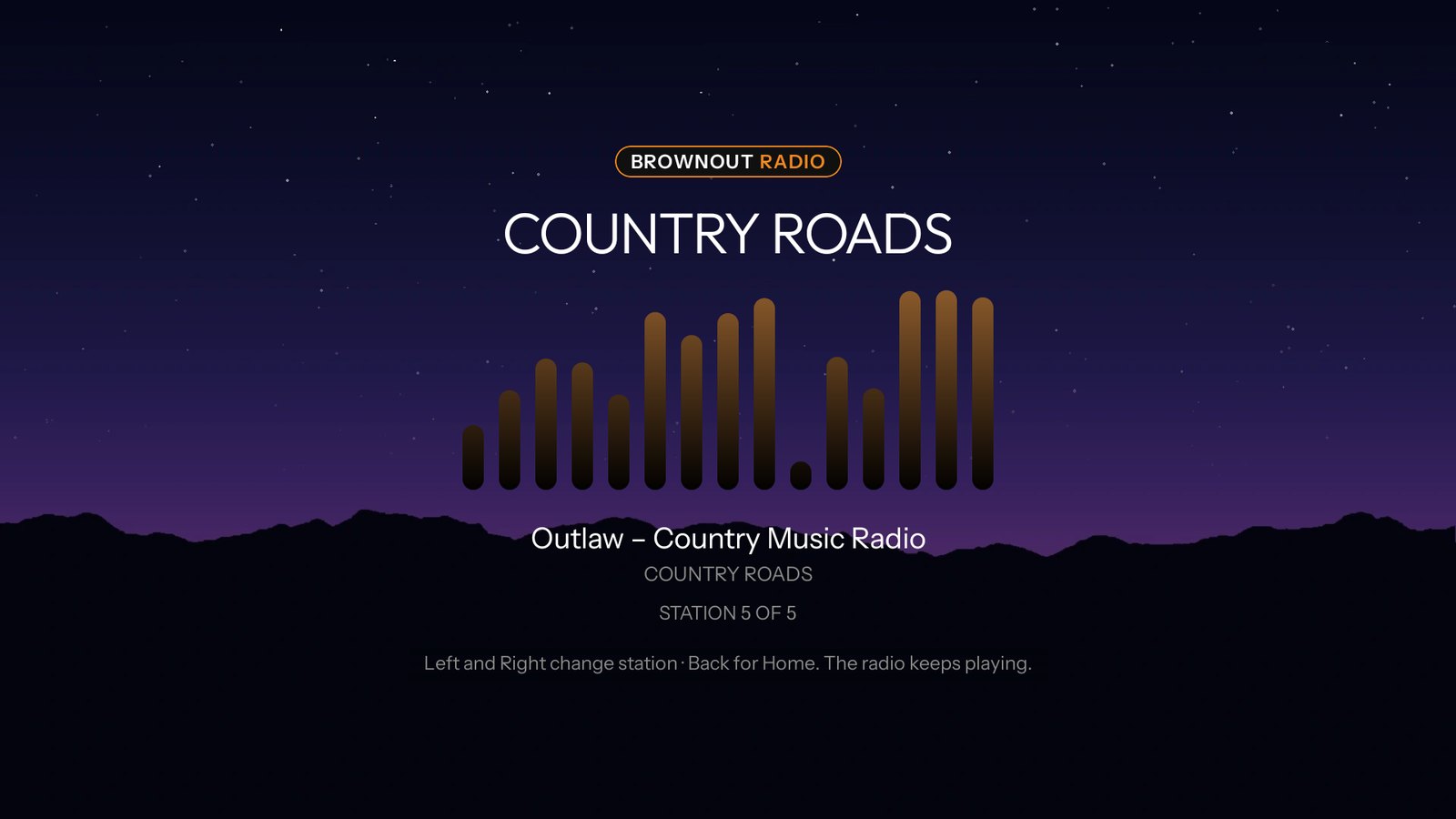
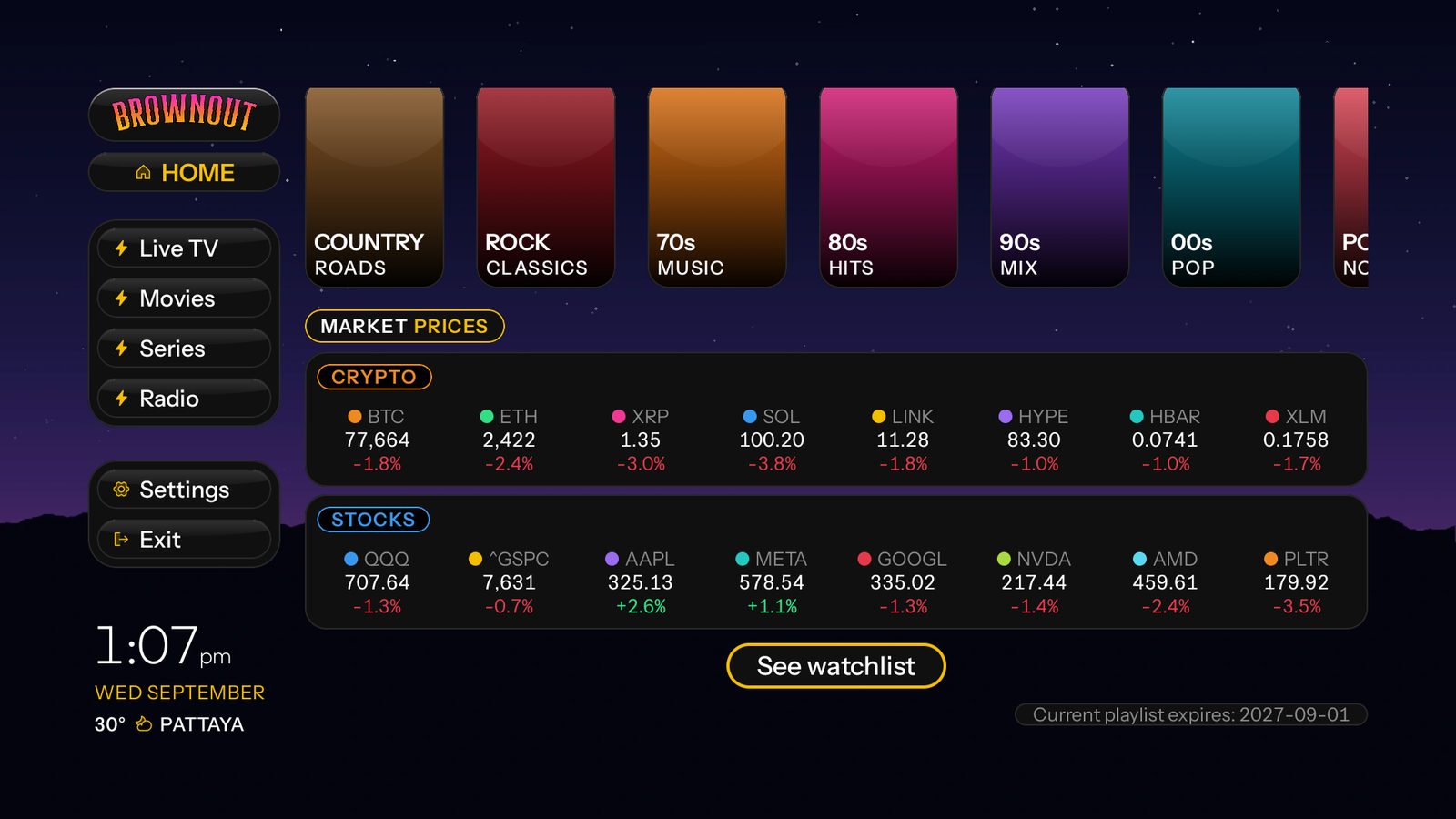
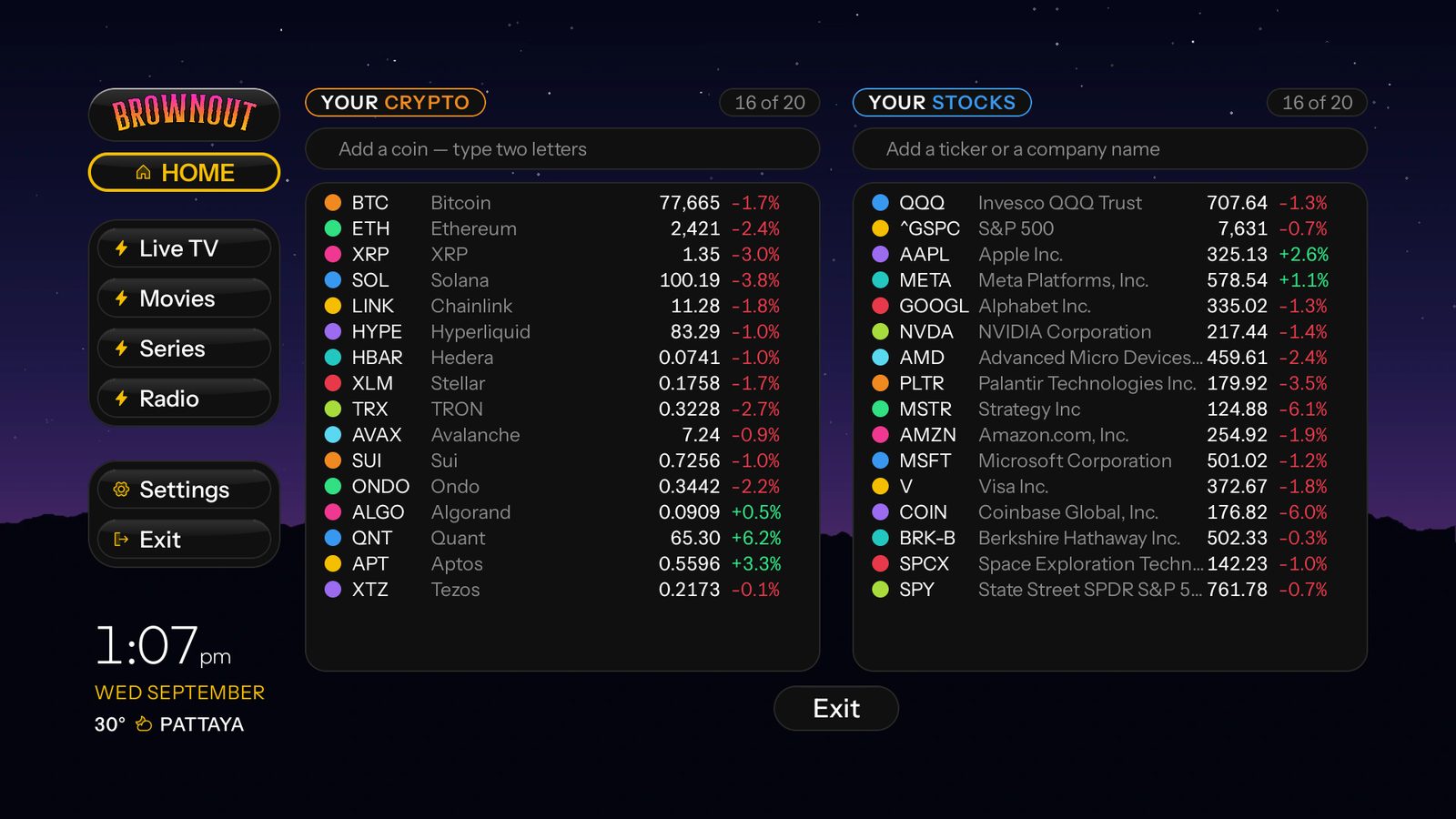
Every feature, on every plan.
No tiers. No add-ons. Nothing held back for a bigger plan.
Live TV with a real EPG guide
Now and next on every channel, a live preview while you browse, catch-up where your provider offers it.
Films and series
Posters, ratings, episode lists, and a progress bar that remembers exactly where you stopped.
Languages
Including Arabic and Persian, which mirror the entire interface right-to-left, not just translate it.
Channels, tamed
Hide whole countries or single categories, separately for live, films and shows.
Several playlists
Xtream Codes or plain M3U. Add more than one, switch between them, each keeps its own settings.
Parental PIN
Lock categories behind a code that survives a restart, not just a screen change.
Speed test
Measures your provider, not a speed-test site, so it answers the question that matters.
Radio
Your provider's stations, in a player that keeps going while you browse.
Live market prices
Crypto and stocks you choose, on the home screen, refreshed while you watch.
Updates in the app
New versions announce themselves and install from settings. No sideloading again.
Straight onto the television
Sony, TCL, Hisense, Philips and Sharp sets running Android TV or Google TV install it directly. Not Samsung or LG, which run their own systems.
Old boxes welcome
Fire TV Stick 4K and newer, and Android boxes from Android 7 up. Tested on Fire TV Stick 4K Max and cheap Android boxes.
No ads, no tracking
You paid for it. It has no reason to watch you back.
Try it first. Then pick one.
Every tier is the whole player. The only thing that changes is how long you keep it.
Free trial
No card, no account
- ✓ Every feature, nothing locked
- ✓ Your own provider, your own channels
- ✓ Install it and start watching
One year
1 code, for 1 TV. No subscription.
- ✓ Every feature, no tiers
- ✓ Updates for the full year
- ✓ Any Xtream or M3U provider
Lifetime
Comes with 2 codes, for 2 TVs
- ✓ Every feature, no tiers
- ✓ Updates forever, including new ones
- ✓ One payment, never again
The player is the first one.
Brownout Apps is a catalogue. The Media Player ships first; more follow.
Questions people ask.
Does it work on a Firestick?
Yes, on the Fire TV Stick 4K, 4K Max, Lite, 3rd generation and the Cube. Not on the original or 2nd generation Firestick, sold in 2014 and 2016, because those run Android 5.1 and the app needs Android 7. Also Android TV, Google TV and Android boxes from Android 7 up.
Does it work on my smart TV, without a box?
If your television runs Android TV or Google TV, yes, and nothing else is needed. That covers many Sony, TCL, Hisense, Philips and Sharp sets from about 2017 on, plus 2015 and 2016 Sony Bravias that took the Android 7 update. It does not work on Samsung or LG televisions, which run their own systems and cannot install Android apps at all. To check, look under Settings, then About, for the Android version. 7 or later is what it needs.
Does it come with channels?
No. Brownout is a player. You bring your own IPTV provider (Xtream Codes or an M3U link) and it plays what they give you.
What is the Downloader code?
4205862. Type it into the Downloader app and it fetches the latest version. You can also type brownoutapps.com/tv.
Does it have an EPG guide?
Yes. A full programme guide with now and next on every channel, and catch-up where your provider offers it.
Is it a subscription?
No. One year is a single payment of $9.90 and nothing renews. Lifetime is a single payment of $24.90 for two TVs.
Can I try it first?
Yes. 7 days free, every feature, no card needed.